YouTube's New AI Tools: Chat Editing, A/B Tests, Live Dubbing
If you run a brand channel on YouTube, the longest meetings tend to stall on the same questions. Which thumbnail? Which opening? Which version? Until now, most of those calls came down to gut feeling. The announcements YouTube made at Made on YouTube 2026 on September 23 turn some of those decisions into something you can measure, and hand others over to software.
Rather than walk through every announcement, we want to answer one question here: for a brand that publishes on YouTube regularly, what actually changes, and what doesn’t?
What was announced?
Five items matter for brands:
- Conversational editing: an editing tool for Shorts and the YouTube Create app that builds a first draft from a prompt, then suggests refinements such as trimming pauses and reordering for pacing.
- AI thumbnails: generating thumbnails in YouTube Studio that match your channel’s style.
- Video A/B testing: comparing up to three different cuts of the same video in YouTube Studio to see which one holds attention best.
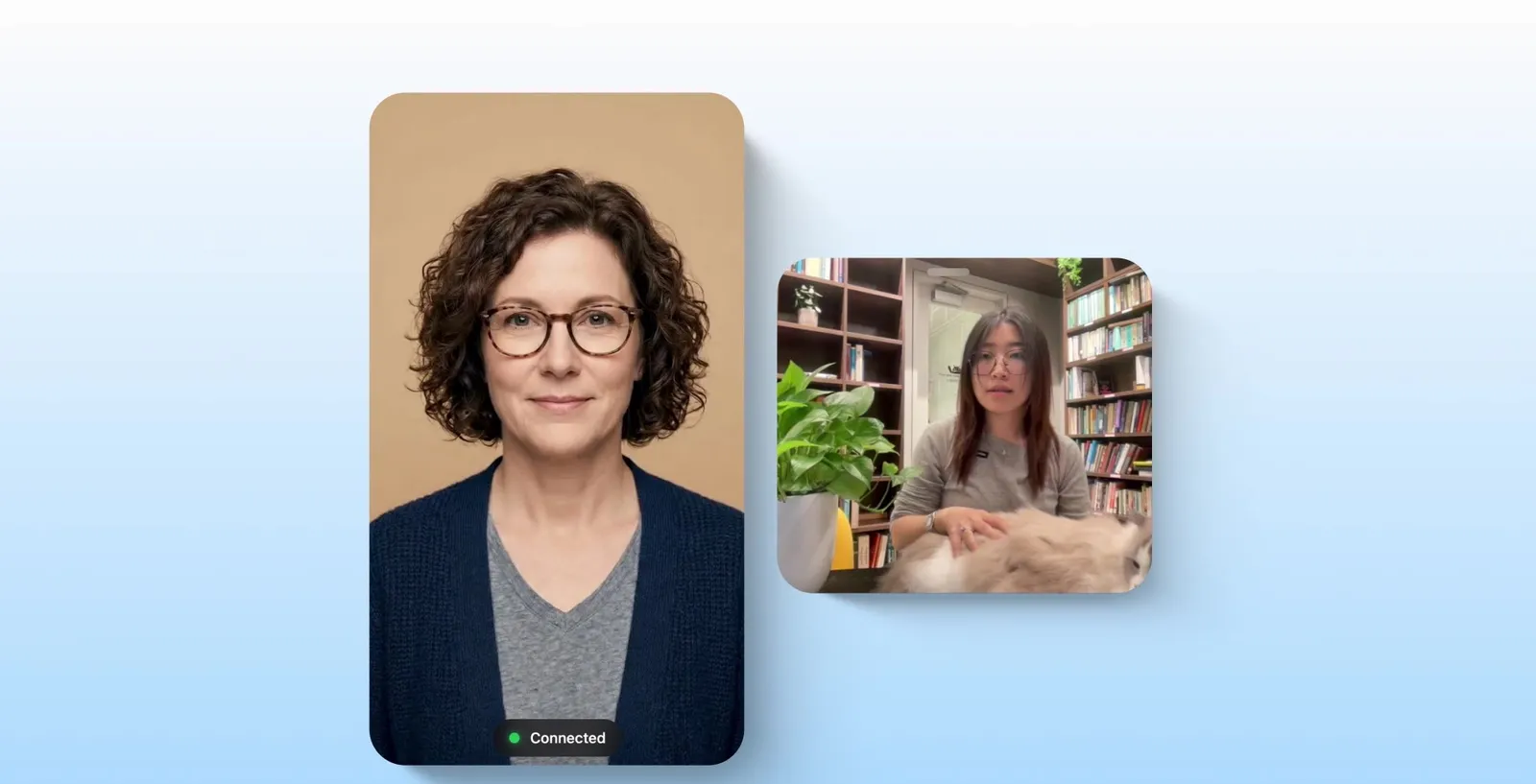
- Real-time auto dubbing for livestreams: to help streams reach audiences around the world; supported languages weren’t specified.
- Likeness detection on mobile: enrolling, receiving match alerts and taking action from your phone. YouTube also plans to combine speaking-voice detection with facial detection.
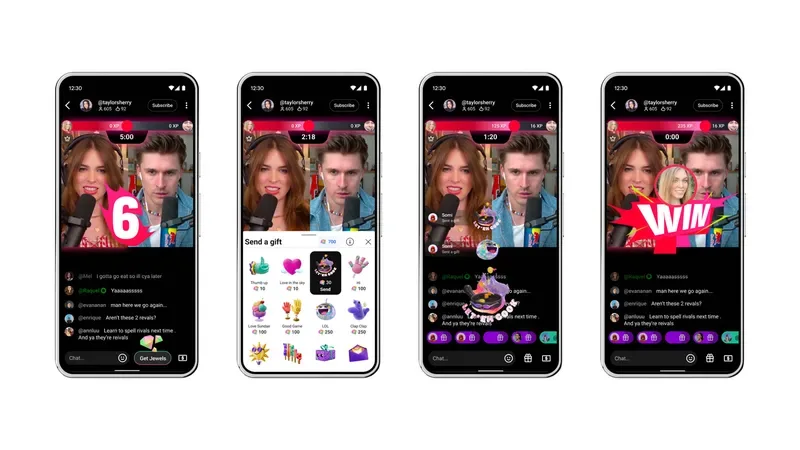
YouTube also announced custom homepage feeds, Shorts organised into seasons and episodes, live showdowns and an expanded affiliate program, but this piece focuses on the tools that touch brand production directly.
What it means for your brand
Measurable growth: your edit becomes a hypothesis. A/B testing across up to three cuts moves the “30-second intro or 8-second intro?” debate out of the meeting room and into audience data. There’s a catch, though. You have to plan the versions from the start. Instead of a single opening on shoot day, you capture two or three alternative intros, a closing with a different rhythm, maybe a version that brings the product forward. However good the test tool is, one cut gives you nothing to test.
Thumbnails get faster; the identity call stays with you. Generating thumbnails that match your channel’s style saves real time for teams publishing several videos a week. The point to watch: the AI learns the style you already have. If that style is inconsistent, it scales the inconsistency. Build a clear thumbnail system first (type, colour, how faces and products are used), then automate.
Localisation reaches live. With live dubbing, formats like product launches, trade show streams and Q&A sessions won’t have to stay in one language. For exporting brands, that means reaching several markets with the same broadcast. Still, auto dubbing is a starting point. Preparing for technical terms, brand names and industry vocabulary remains your job. We covered consent and voice rights in dubbing in detail in our piece on AI voice, avatars and dubbing.
Brand safety: your face is an asset too. The likeness of founders, spokespeople or campaign faces can end up in content you never approved. Bringing likeness detection to mobile makes it easier to spot and act on that faster. Enrolling the people who front your brand is now a reputation management step.
What it doesn’t change
None of these tools replaces a good story. Conversational editing can trim pauses and reorder scenes, but it doesn’t know why a scene belongs where it is or what the viewer should feel. A/B testing tells you which version holds attention better; picking the least weak of three weak cuts isn’t growth.
The same goes for brand voice. Automated tools drift toward the average. When everyone on YouTube has the same tools, the difference comes from shooting quality, editing rhythm, a visual language built with motion graphics and a consistent tone. The tools raise the speed. Production quality still sets you apart.
Practical steps
- Plan your next shoot for testing. Write at least two alternative openings and one alternative ending into the script.
- Put your thumbnail system in writing. Nail down the rules before you automate.
- Review your live formats. Which stream would open a new market if it were multilingual?
- List your brand faces. Decide who should be enrolled in likeness detection.
- Keep a record of test results. Which opening and which rhythm worked? Feed that into the brief for your next production.
Our recommendation at Klyne
We run video production end to end under one roof: script, shoot, edit and motion graphics. After these announcements, our advice is simple. Treat the edit as a testable set, not a single deliverable. Let’s build alternative intros into the shoot plan and versions with different pacing into the edit, let YouTube’s tools show which one wins, and plan the next video with that data in hand.
FAQ
How many versions can video A/B testing compare?
According to YouTube, you can compare up to three different cuts of the same video in YouTube Studio, based on which one holds audience attention best.
Which languages will live dubbing support?
YouTube announced real-time auto dubbing for livestreams; supported languages haven’t been disclosed.
Why does likeness detection matter for brands?
It lets you spot and act on videos that use the likeness of the people who front your brand without permission. With the mobile version, you can do that from your phone.
If you’d like to turn your YouTube strategy into a testable production plan, let’s plan it together.
Sources
- Made On YouTube 2026: All Announcements & New Features · YouTube Blog