OpenAI Launches Dots: Always-On Personal Agents on GPT-6 Astra
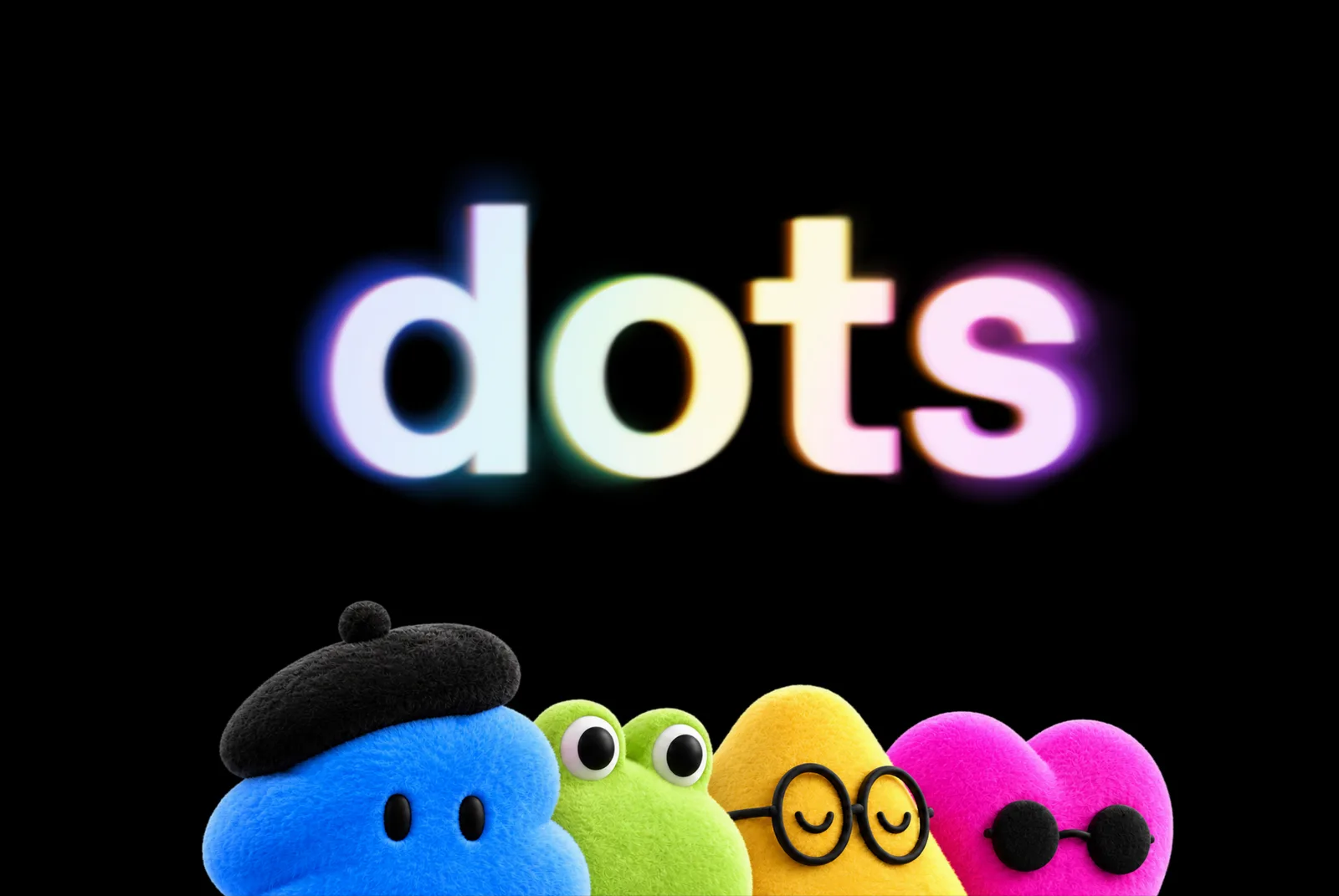
Two big announcements a day apart: on September 29, a day before Google introduced Gemini 4 Argon, OpenAI brought its most capable model, GPT-6 Astra, to users through a new product: Dots. This time the story isn’t a new model but how the model works. A Dot isn’t a chat window waiting for questions; it’s your own agent, running in the background.
For brands, that cuts both ways. Your team gets a tool that can take work off its plate. And your customers will start sending their own agents to browse your website.
What happened?
According to OpenAI’s announcement and Unite.AI’s reporting, Dots work like this:
- An always-on agent: Each Dot learns what matters to its user, improves with feedback and keeps working toward a goal even when the user isn’t there.
- Its own computer: Every Dot gets its own cloud computer and browser. It works without tying up your machine, and you can open that computer at any time to see what it’s doing.
- 4,000+ apps: It connects to more than 4,000 apps through OpenAI’s plugin ecosystem.
- The same agent everywhere: You can message or call it in ChatGPT on desktop, web and mobile, and reach it in Slack and Microsoft Teams; it carries context across channels.
- Rules and approvals: Users choose which apps a Dot can access, and Custom Rules let them allow specific actions, require approval or block them entirely. Actions such as password changes and money transfers always require confirmation.
- Access: It’s rolling out gradually to ChatGPT Pro and Business Premium users, with an Enterprise beta when an admin enables it. Per Unite.AI, Pro access starts in markets outside the European Economic Area, Switzerland and the UK, and the first Dot comes with the plan at no extra cost.
OpenAI’s example use cases point the way too: turning customer feedback into software tasks, updating sales proposals, rerunning analyses with new data and preparing media clips from interview transcripts.
From chat to agent: what changes?
Until now, working with AI has mostly been an ask-and-answer loop. Dots take the work over instead: you set the goal, the agent moves forward and comes back to you when a decision is needed. Meta Muse brought the same idea to shopping for consumers; OpenAI is now taking it into work and everyday tasks.
That difference has two sides for brands.
1. For your team: handing off repetitive work
What a Dot can do looks a lot like the work that eats up an agency’s or marketing team’s week: rebuilding the weekly report with fresh data, collecting and summarising incoming requests, updating a proposal with the latest prices, turning meeting notes into a task list.
Success here depends on the setup, not the model. Which apps the agent can reach, which actions need approval and who checks the result should all be designed up front. “Give it access to everything and let it do everything” remains the riskiest option, even with OpenAI’s own approval mechanisms.
2. For your customers: an agent will visit your website
This is the bigger shift. An agent with its own browser, working on a user’s behalf, will compare products, read service pages, look for prices and lead times, and ask the user for approval before filling in your contact form. Your visitor is no longer always a person.
For an agent to find the right information on your site:
- Information has to be clear and structured: Your services, contact details and process should sit under clear headings, written consistently. Text baked into images, or content that only appears through animation, can be invisible to an agent.
- Structured data is a must: schema.org markup (organisation, service, FAQ, product) makes it easier for an agent to read your pages correctly.
- Forms need to make sense: Clear field names and error messages, logical steps. A form that trips up an agent is a form a customer abandons.
We built our own site with this in mind: our pages are published so agents can read them, with Markdown versions, an llms.txt file, an open JSON API and in-browser WebMCP tools. We take the same approach in our Webflow web design projects.
What it doesn’t change
- Not everyone can use it. Dots are on paid plans and rolling out gradually. It will take time to spread across the market, but the direction is clear.
- Approval still sits with you. OpenAI’s rules and approval system is a good start. Still, for emails to customers, content going live or payments, keep the final call with a person.
- Brand voice doesn’t automate itself. An agent sounds like you only as far as the rules you give it. If your voice, tone and visual identity rules aren’t written down, the agent can’t be consistent.
- Good design still makes the difference. An agent can read your site, but a person makes the final decision. What gets you picked from the agent’s shortlist is a strong brand, a clear story and an experience that builds trust.
What it means for your brand
In one week, OpenAI announced Dots and Google announced Gemini 4 Argon. Both point the same way: AI is turning from a tool that answers into a colleague that does the work. We suggest three steps to benefit from that shift:
- Get your website agent-ready: Structure your content, complete your schema markup and simplify your forms. These steps also strengthen classic SEO and user experience.
- Pick one small pilot for your team: Hand a single repetitive task, such as the weekly report, a request digest or proposal updates, to an agent; keep access narrow and approvals strict.
- Write down your brand rules: The clearer your voice, tone and visual language rules, the more consistently both your team and the agents you use will work. We put these guidelines together with clients in our brand identity projects.
Frequently asked questions
What is OpenAI Dots?
Dots are always-on personal AI agents from OpenAI, powered by the GPT-6 Astra model, that keep working on a user’s behalf. Each Dot has its own cloud computer and browser, connects to more than 4,000 apps and can be reached through ChatGPT, Slack and Teams.
Who can use Dots?
Dots are rolling out gradually to ChatGPT Pro and Business Premium users, with an Enterprise beta. According to Unite.AI, Pro access starts in eligible markets outside the European Economic Area, Switzerland and the UK.
How do I make my website readable for AI agents?
Publish content as text under clear headings, add schema.org structured data, keep contact and service details consistent, and make forms simple and clear. As a further step, you can offer an llms.txt file and Markdown versions of your pages.
Let’s plan how to get your site ready for both people and AI agents. From strategy to design and development, end to end, under one roof: get in touch.
Sources
- Introducing dots · OpenAI
- OpenAI Rolls Out Dots Agents Powered by GPT-6 Astra in ChatGPT · Unite.AI
- OpenAI Launches Dots AI Agent Across 4,000+ Apps · Brave New Coin