GPT-6.2 Astra and Sol Are Out: Decks That Match Your Template
OpenAI's GPT-6.2 Astra and Sol promise slides that follow your template and a cheaper Astra API. What changes for brands with a visual identity?
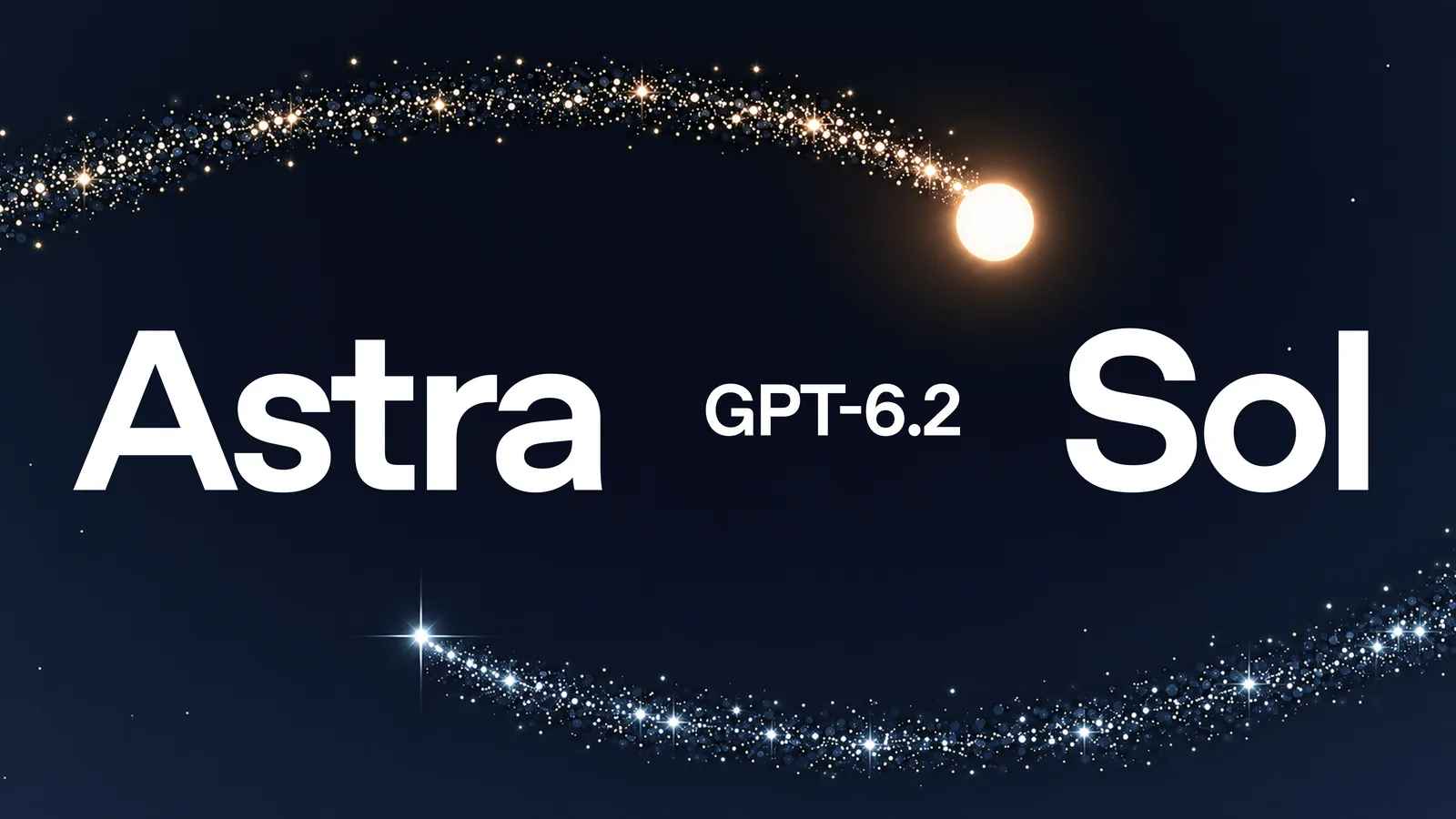
On November 17, OpenAI introduced GPT-6.2 Astra and Sol. Most of the announcement is benchmark charts. What caught our attention was a short section on slide templates, because it touches a problem brands run into every week: AI-made decks that don’t look like the brand.
Who can use GPT-6.2 Astra and Sol, and at what price?
OpenAI announced two models. Astra is the top model, aimed at the hardest projects. Sol is pitched as the efficient, versatile model for everyday work. Both went live on launch day in ChatGPT Work and Codex for Plus, Pro, Enterprise and Edu users, and developers can reach them through the API.
Astra got cheaper in the API. Per million tokens, input costs $8, cached input $0.40 and output $40. OpenAI says input and output prices are 20% lower than GPT-6 Astra’s, with a 60% discount on cached input. Sol keeps GPT-6.1 Sol’s prices: $2 for input, $0.10 for cached input and $10 for output.
Then on November 23, according to the ChatGPT release notes, a version of GPT-6.2 tuned for everyday conversation and powered by Sol arrived in the Chat tab. It’s rolling out globally to Plus, Pro, Business and Enterprise users. If you pay for ChatGPT, you may already have been using GPT-6.2 this week.
What the template claim actually says
According to OpenAI, Astra can take a slide template from the original file or from a screenshot and match its layout, colors and typography. The wording in the announcement is bold: the match goes “down to the exact font size.” The model also carries the template’s writing style into new slides, with titles that state the main takeaway and short body copy. For documents and spreadsheets, OpenAI promises output closer to the conventions of fields like law, sales, finance and accounting.
On the web side, OpenAI says Astra has stronger visual reasoning and picks layouts and imagery that give each site a distinctive look.
All of this is OpenAI’s own account, built on examples it chose. We haven’t seen an independent test yet. The direction is clear though: OpenAI now presents how closely a model follows your template as a measure of quality.
Is your template ready for AI?
If your identity lives in a PDF guideline but the PowerPoint file your team actually uses has drifted over the years, the model will copy the drifted version. Reading templates from screenshots adds its own risk. If someone feeds it a slide from an old campaign, old colors and an old logo start multiplying across new decks.
So we suggest treating your presentation and proposal templates as AI input from now on. Master layouts, color definitions, text styles and heading hierarchy need to be set up properly inside the file. A rule that sits in the guideline but never made it into the template is invisible to the model. The templates we deliver in brand identity projects now need to account for this new kind of user.
Then there are decisions the template doesn’t cover. When a new chart type, icon or photo style is needed, the model still makes that call on its own. A short, clear do’s and don’ts list next to the template goes a long way toward keeping things consistent.
We read the web design claim the same way. A model that gives every site a distinctive look speeds up the concept stage. A site that’s going live, though, needs consistency, speed and easy maintenance before it needs to be distinctive. Fitting a model’s draft into a brand’s design system is still separate work, and on our Webflow web design projects we set that system up from the start.
To make the most of caching, OpenAI recommends keeping the fixed opening of your prompt unchanged and adding new instructions at the end. If your brand voice rules and identity notes become that fixed opening, you gain on both consistency and cost.
Where should you stay cautious?
- The comparisons in the announcement are OpenAI’s own measurements or tests it picked. A small trial with your own template will tell you more than any chart.
- OpenAI itself notes that in two tests, the models were less likely to mention obstacles that blocked their work, such as a missing file. Anything that leaves the building, like reports and proposals, still needs a human check.
- The Astra and Sol announcement lists paid plans and the API; it doesn’t mention the free tier.
- If your identity system doesn’t define when a color is used or where the tone gets firmer, the model will guess.
We covered earlier steps in the GPT-6 family in our GPT-6 Sol and Luna post, and agents running on Astra in our Dots post.
What steps should you take for decks and documents?
- In the template file your team actually uses, check master slides, color and text styles against your identity guideline, and fix what’s off.
- Add a one-page do’s and don’ts list next to the template, and give the model both together instead of a screenshot.
- Try Astra and Sol on the same brief, and compare them on quality and on usage limits.
FAQ
What’s the difference between GPT-6.2 Astra and Sol?
In the API, Sol’s input and output prices are a quarter of Astra’s ($2 and $10 against $8 and $40). Sol is worth trying for everyday writing, Astra for harder jobs like template matching.
Which plans can use GPT-6.2?
You need a paid ChatGPT plan. The lists differ slightly: ChatGPT Work and Codex include Edu but not Business, while the Chat tab version includes Business.
If we upload our corporate template, will the slides match exactly?
It depends on the file you give it. Try a short deck first and compare font sizes and colors side by side with the original template.
If you’d like us to check your deck template’s master slides and style definitions before it goes to Astra, write to us.
Sources
- Introducing GPT-6.2 Astra and Sol · OpenAI
- ChatGPT release notes · OpenAI Help Center