Signal Restricts Gemini and Siri From Reading Your Screen
Signal now restricts AI agents built into phone operating systems from reading your messages on screen. What it changes for confidential chats and work devices.
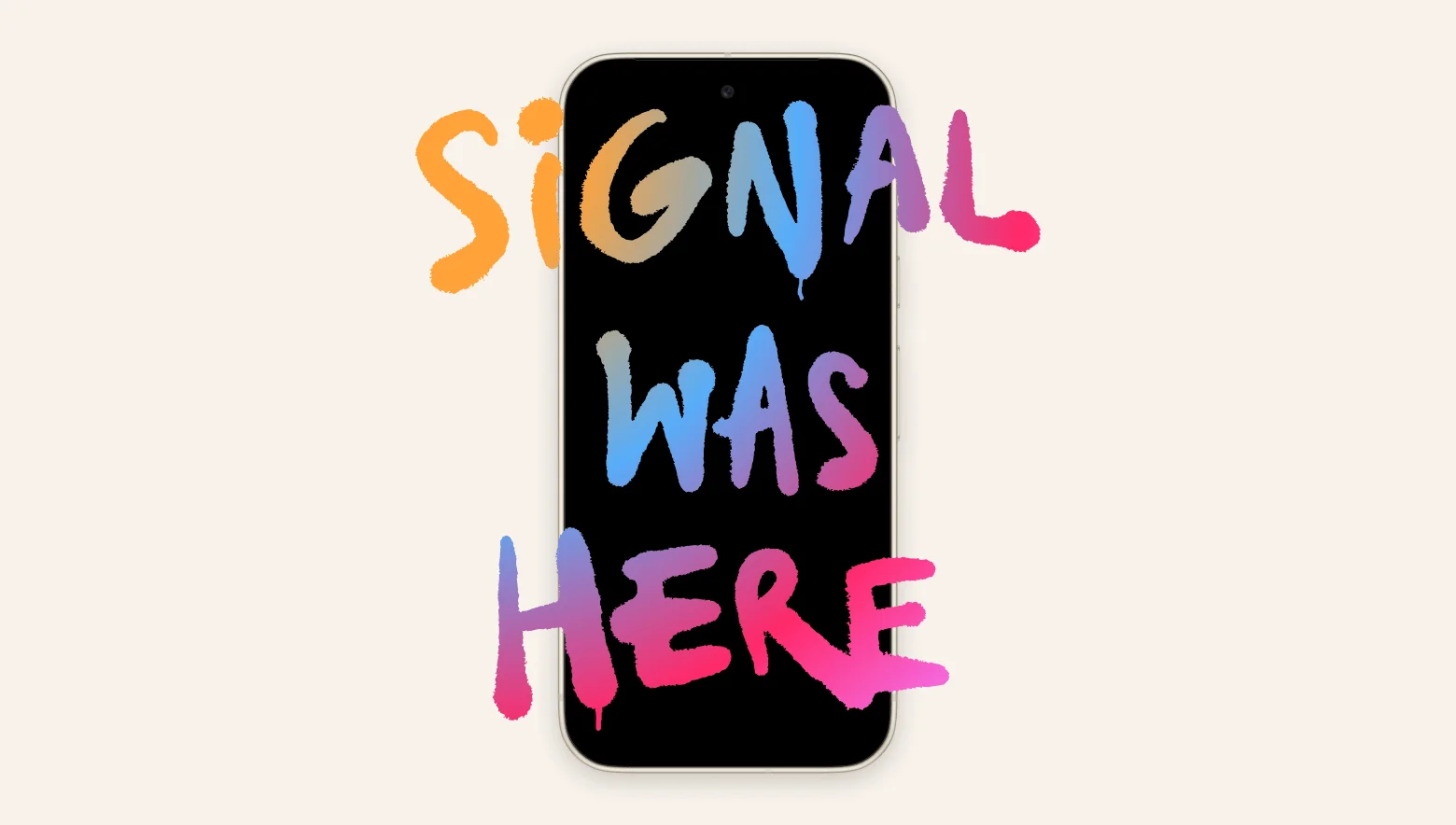
In a blog post on November 20, Signal president Meredith Whittaker announced that the app is now restricting AI agents built into mobile operating systems from capturing and storing Signal content. So far we’ve mostly written about AI agents as a new kind of visitor that reads brands’ emails and websites; Signal is one of the first major apps to shut the door on that visitor. If you handle confidential conversations on phones, now is the time to check which assistant on your team’s devices can read what.
What exactly is Signal restricting for AI agents?
According to Signal, Google and Apple are building agent features such as Gemini Intelligence and Siri AI’s Onscreen Awareness deep into their operating systems. To learn about you, these agents scan what’s on your screen. Your messages get captured in the process, made available to the agent so it can answer your questions, and from that point on they’re outside the app’s control.
Signal’s response depends on the platform:
- On iOS 27, screenshots are blocked inside the app. A new “Block Siri AI” option appears in settings.
- On Android, on versions where Signal can detect an AI assistant trying to read the screen, it turns on the “Screen security” setting automatically. This doesn’t cover every Android device.
- On macOS there’s no protection. Signal says it can’t reliably block screenshots on macOS and recommends that macOS 27 users add Signal to the Excluded Apps list under System Settings > Siri.
Signal took a similar step last year for Recall on Windows 11. If you want to take screenshots, you can turn the protection off in settings, but that could expose both your content and your contacts’ content to these agents. The fix is also incomplete: restricting screenshots doesn’t stop an agent from reaching data on the device in other ways, such as through the filesystem.
Signal’s post also covers third-party agents like Meta’s Muse: these agents can use the accessibility permissions people grant during setup to reach app data. The company is asking Apple, Google and Microsoft for an easy way for developers to opt their apps out of AI access, and for documentation on how these agents work; it says it’s cautiously optimistic that Google and Apple are engaging with it. The Verge also based its report on Signal’s statement and doesn’t include a response from Google or Apple.
Are confidential work chats exposed to screen-reading AI?
The mechanism Signal describes applies to other apps too: an assistant that reads the screen can work the same way in any app that hasn’t taken precautions. For most apps, we don’t know what they’re doing about it.
For brands, the risk sits in confidential work discussed on phones. Campaign visuals shared before launch, film cuts sent for approval, proposal pricing and embargoed press releases all get opened on a messaging app’s screen. If a phone on your team, or on your client’s side, has an assistant switched on, that content can end up in an AI system without anyone noticing. Your NDAs most likely don’t mention this scenario at all.
For companies that issue work devices, the question is more direct: which phones have which assistant switched on, and which apps can it reach? Signal’s macOS advice is a practical starting point: macOS 27 has a list where you choose apps Siri won’t access. Check whether your team’s phones offer a similar setting.
Brands with their own app or customer portal can look at Signal’s Android choice as well. On many Android devices, Signal chose to detect AI access rather than quietly switch off screenshots, because screenshots that stop working with no explanation confuse people. In our view, on a screen that shows sensitive data, how the protection is explained to users should be part of product design.
In our Claude Duet post, we wrote that your customer’s agent will read your emails and your website; Signal’s decision shows that not every channel will be open to agents. A conversation in an app the assistant can’t read may never make it into the summary that person gets from their assistant. That’s why it’s safer to keep important information available by email or on your site, and not only in a message.
Why doesn’t end-to-end encryption cover this risk?
Signal’s end-to-end encryption hasn’t changed; messages are protected in transit just as before. The risk is software looking at the screen after a message is opened on the device. Restricting screenshots only partly covers that, and it isn’t on desktop yet. Signal calls itself “the canary in the coal mine” and says the problem affects the whole app ecosystem.
What should you update on team devices and in contracts?
- List which AI assistants are switched on across your team’s phones and whether they can access screen content.
- Where the operating system allows it, keep the apps you use for sensitive conversations out of assistants’ reach. The macOS exclusion list Signal recommends is one example.
- If you use Signal, see how keeping screen security on affects your team’s workflow, and remember before turning it off that the choice affects the people you talk to as well.
- Add a clause on AI assistants to the NDAs you sign with agencies and suppliers.
How should cuts and drafts be shared for approval?
We recommend sending film cuts and design drafts shared before release through links where it’s clear who can see them. A file attached to a message can be viewed again on every device where that chat is opened, and it becomes harder to keep track of who has seen it.
FAQ
Which devices does Signal’s restriction cover?
iOS 27, and Android versions where Signal can detect the assistant. On Android you can see whether the protection is active on your phone in Signal’s “Screen security” setting; there’s no protection on macOS.
Can I turn it off and take screenshots?
Yes, in Signal’s settings. If you do, your contacts’ content can be exposed to agents too, so in team groups talk to the others before you switch it off.
Does this cover other messaging apps?
No, the decision applies only to the Signal app. To find out whether other apps have taken similar steps, check their own announcements.
If you’d like us to set up a way to share cuts and design files awaiting approval through access-controlled links instead of message attachments, write to us.